Short
Liftin’ is the gym tracker for people who lift: log a set with one tap, let your weights progress automatically, and follow proven strength programs on iPhone, iPad, Mac and Apple Watch.
Press
Everything for writing about Liftin’: facts, boilerplate, the app icon and product images. Free to use in coverage of Liftin’.
Boilerplate
Liftin’ is the gym tracker for people who lift: log a set with one tap, let your weights progress automatically, and follow proven strength programs on iPhone, iPad, Mac and Apple Watch.
Liftin’ is a strength-training app for iPhone, Apple Watch, iPad and Mac. It plans programs, runs workouts and tracks progress, with automatic progression that adjusts the weights from each workout’s results. Built-in programs such as Push Pull Legs, 5×5, Wendler’s 5/3/1, nSuns and GZCLP run out of the box; custom programs can be built in the app, generated with Apple Intelligence, or written by ChatGPT or Claude through the Liftin’ connector. All data syncs through the user’s own iCloud account; there is no Liftin’ account. Liftin’ has been on the App Store since 2019, built by Valter Hemmi in Stockholm, Sweden. It is rated 4.8 on the App Store and has been featured by Apple as App of the Day and in New Apps We Love. Liftin’ is free to download; Liftin’ Unlimited is available as a subscription or a one-time purchase.
At a glance
| Name | Liftin’ (App Store listing: “Liftin’ - Gym Workout Tracker”) |
|---|---|
| What it is | Workout tracker and program planner for strength training |
| Developer | Valter Hemmi, nstrm AB, Stockholm, Sweden |
| Platforms | iPhone (including iPhone Duo), iPad, Mac, Apple Watch |
| Price | Free to download. Liftin’ Unlimited: $2.99 per month or $24.99 per year, both with a free trial, or $99.99 once (US prices) |
| Languages | English, German, Spanish, French, Italian, Portuguese (Brazil) |
| Integrations | Apple Health, Strava, ChatGPT, Claude and other MCP clients, Siri and App Shortcuts, widgets, Live Activity; Hevy import, CSV export |
| App Store rating | 4.8 out of 5, 2,200+ ratings worldwide (October 2026) |
| Featured by Apple | App of the Day; New Apps We Love |
| First released | 2019 |
| Links | App Store, liftinapp.co, r/LiftinApp on Reddit, @liftinapp on X |
| Press contact | press@liftinapp.co |
What it does
Downloads
PNG originals, full size. Every image is also in the kit zip.
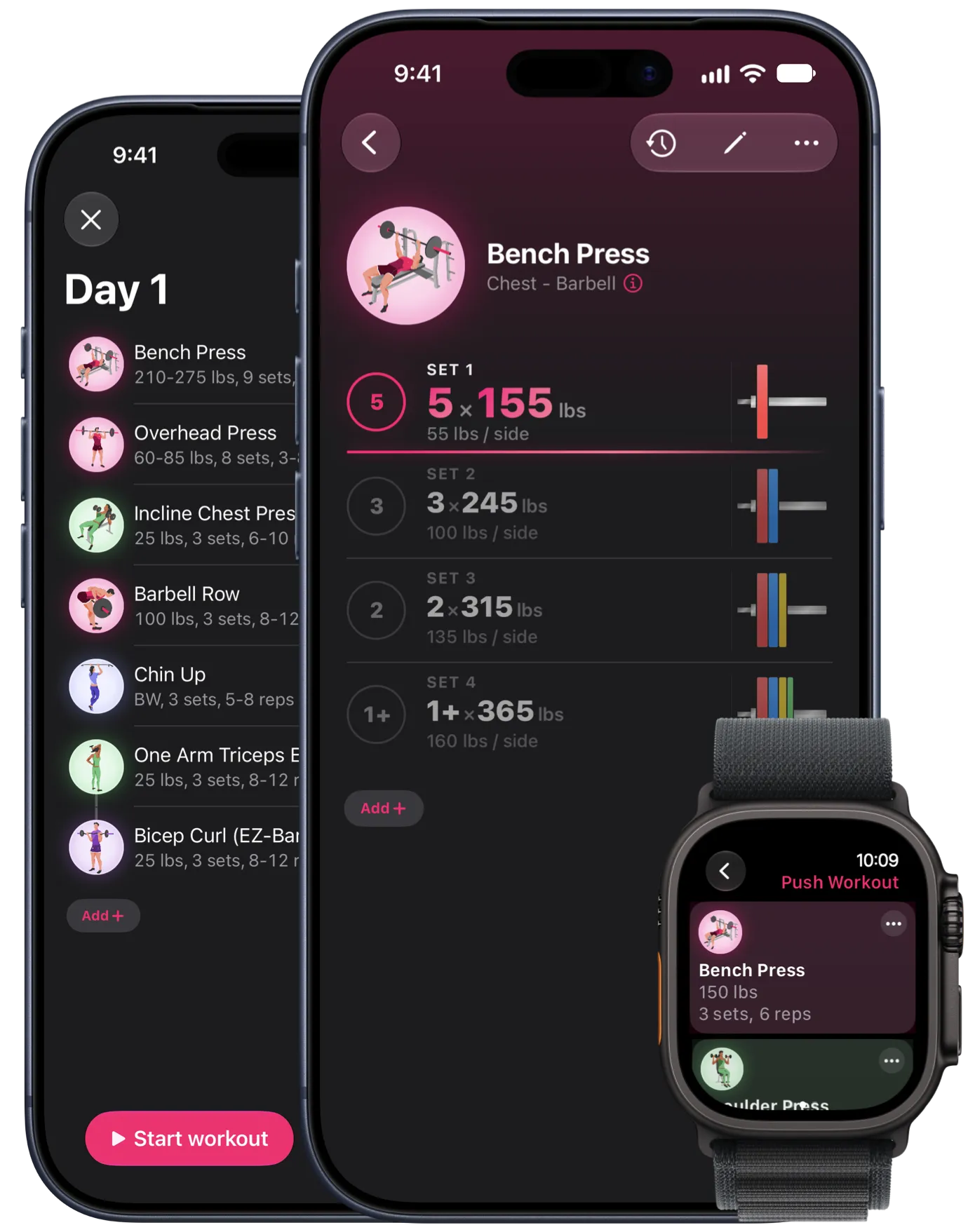
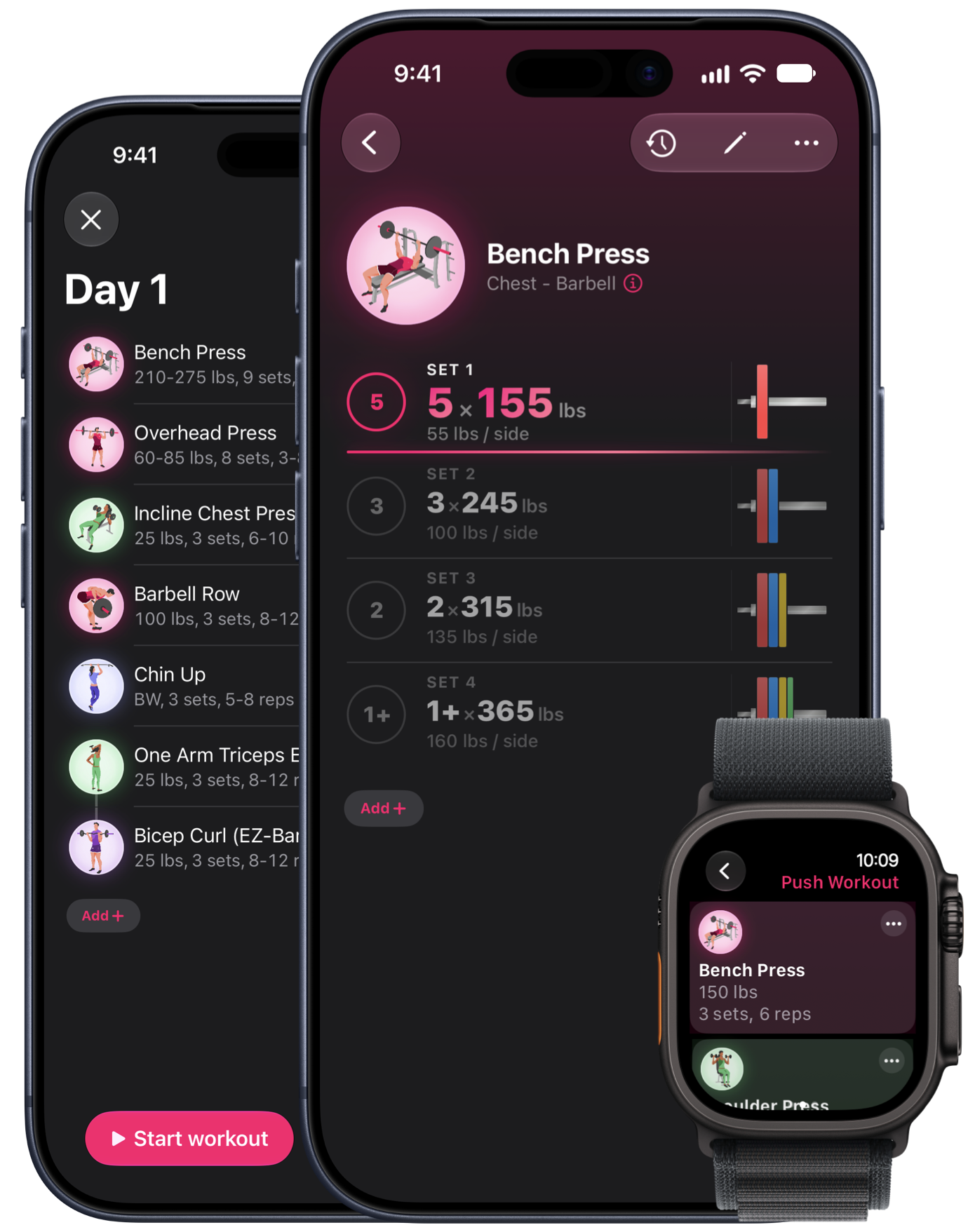
Two iPhones and an Apple Watch Ultra: a workout’s exercise list and a bench press set, with the exercise list on the watch
Download PNG: liftin-iphone-apple-watch.png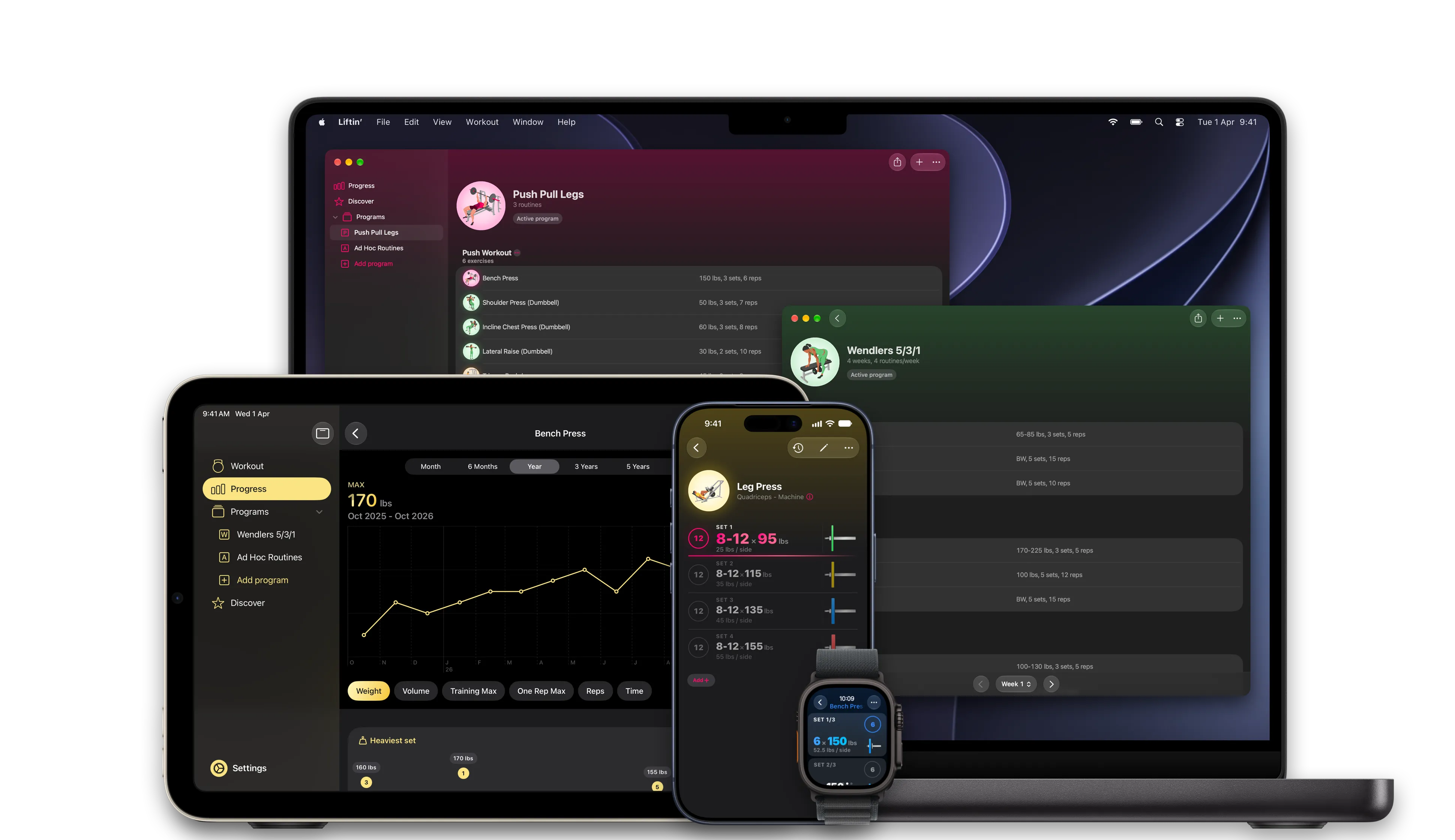
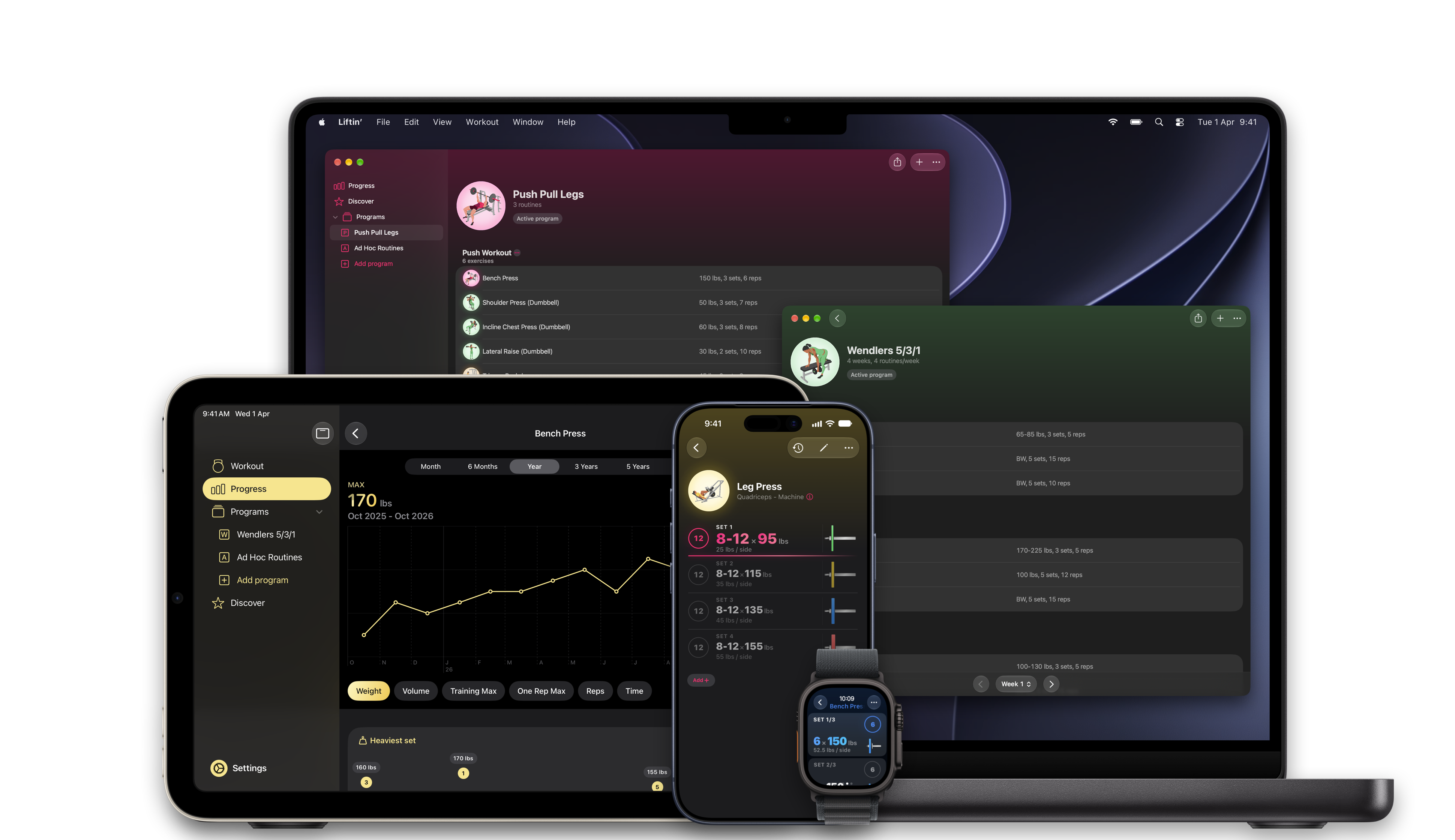
MacBook Pro, iPad mini, iPhone and Apple Watch Ultra running Liftin’
Download PNG: liftin-device-family.png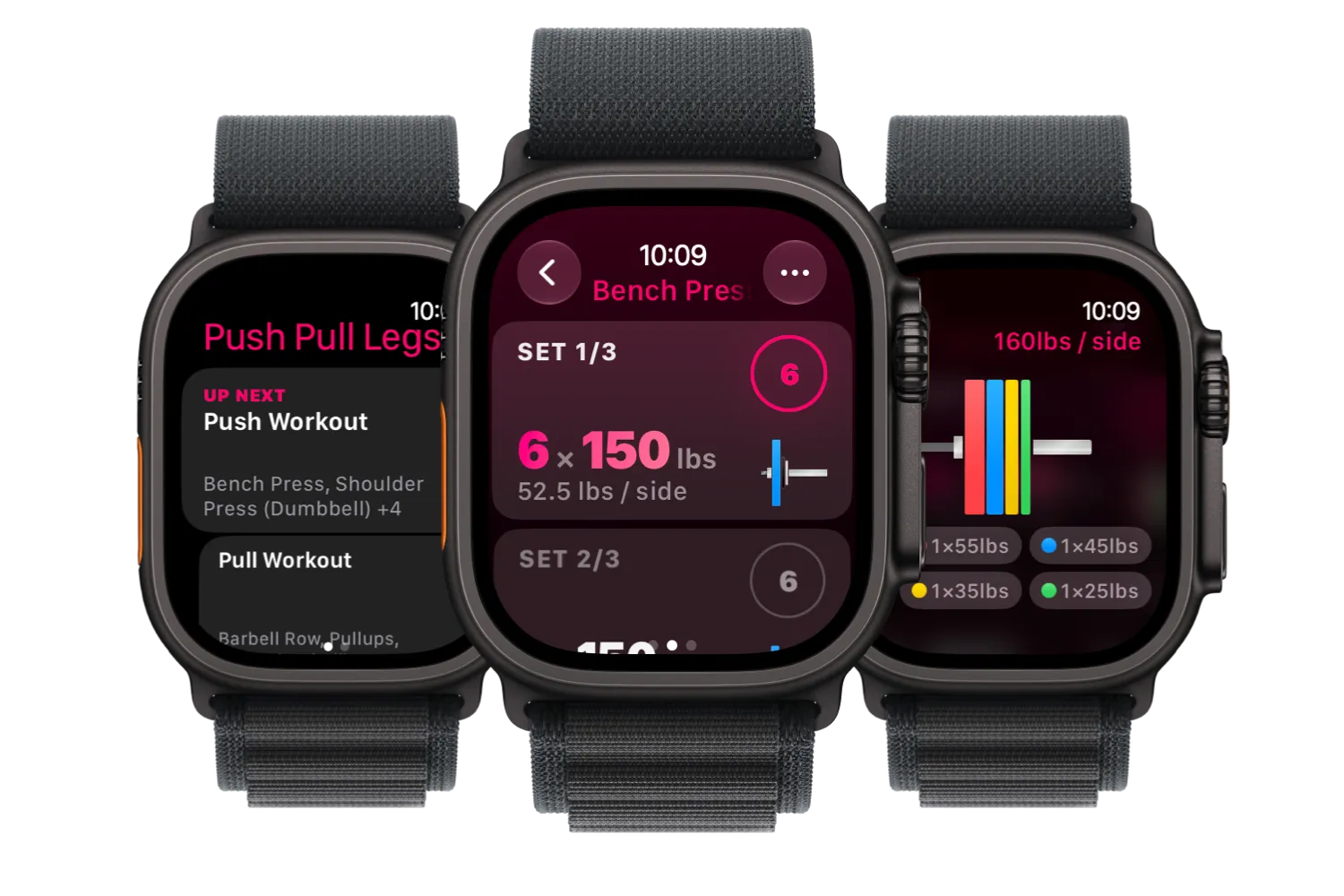
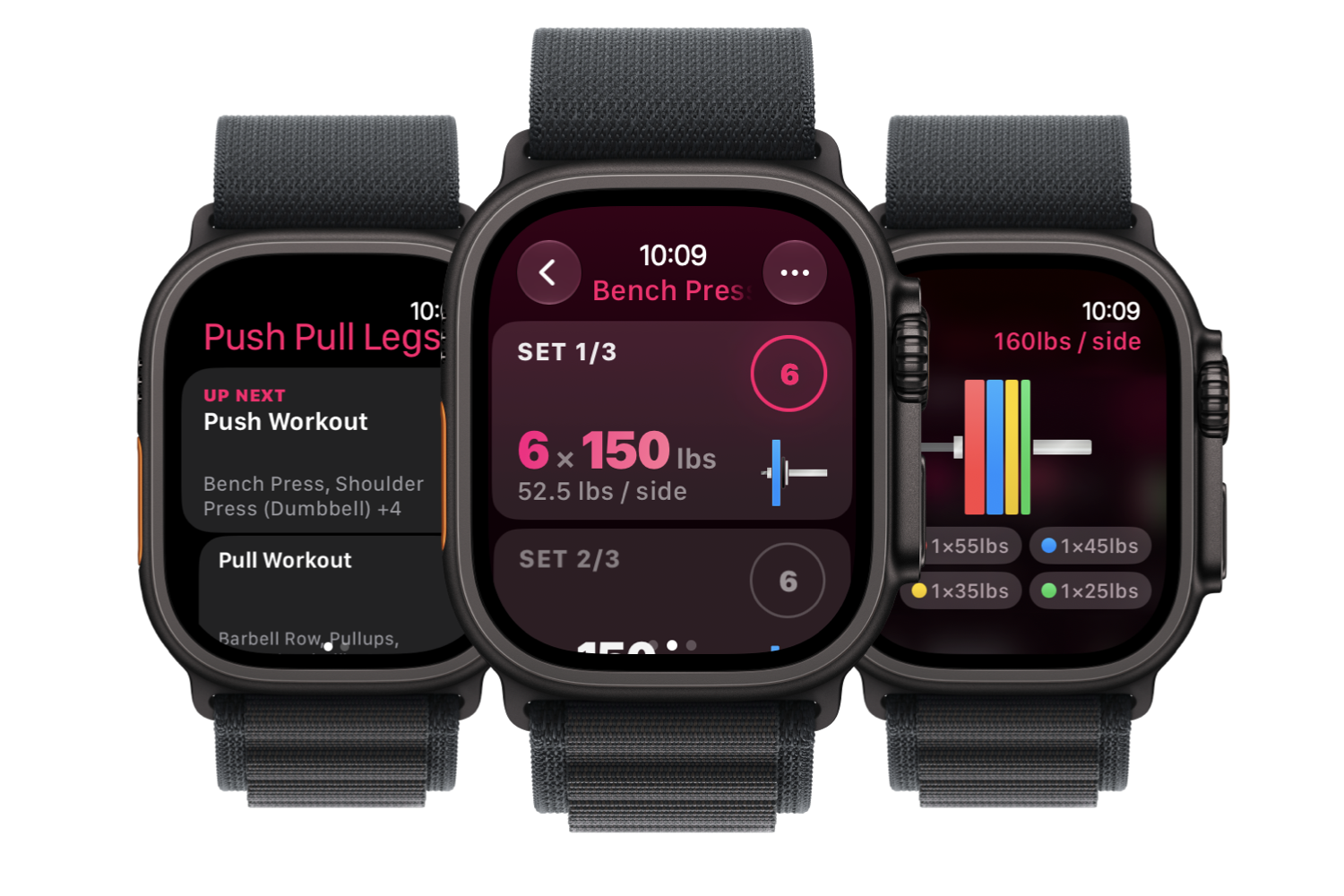
Three Apple Watch Ultras: next workout, logging a set, plate calculator
Download PNG: liftin-apple-watch.png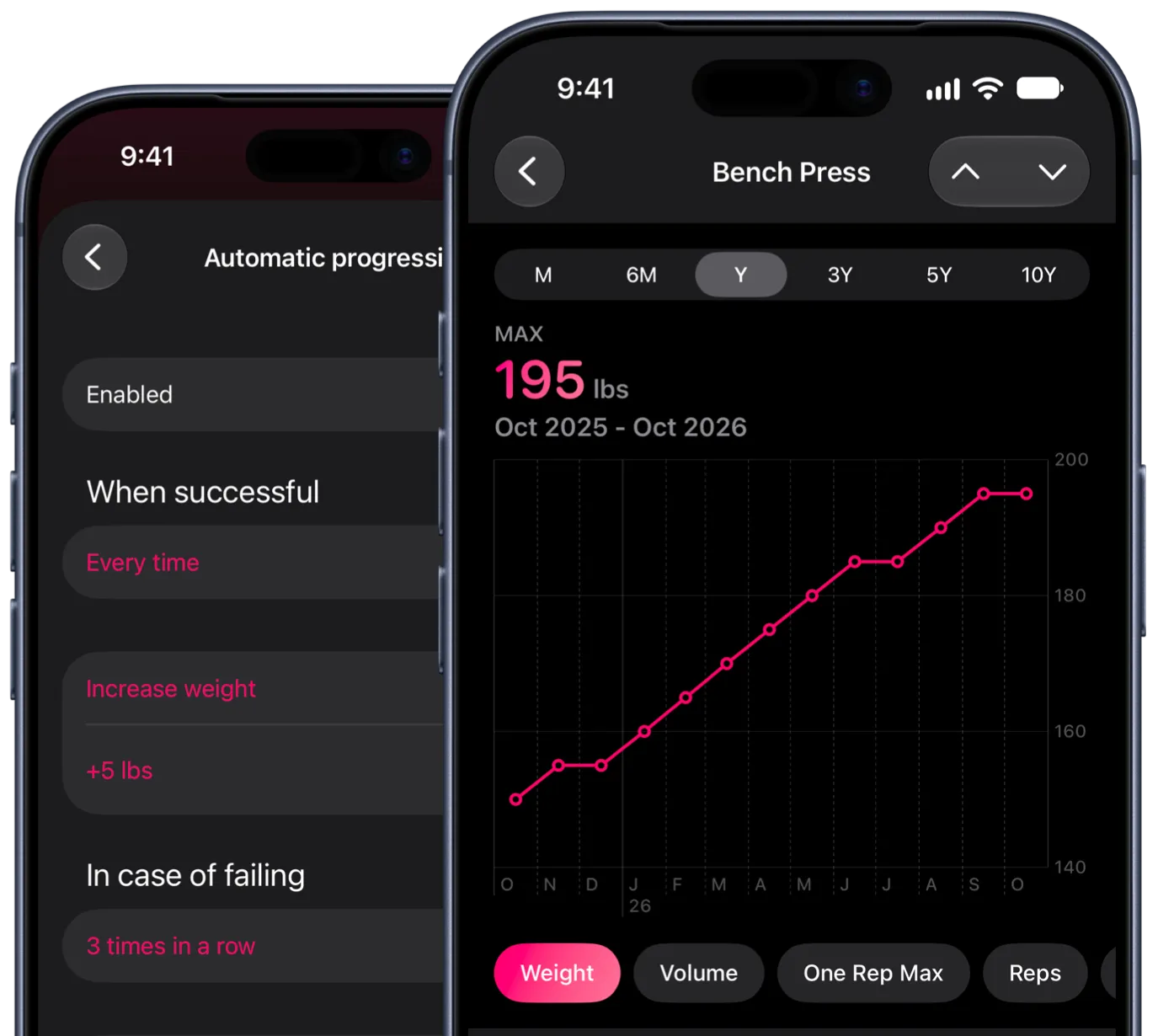
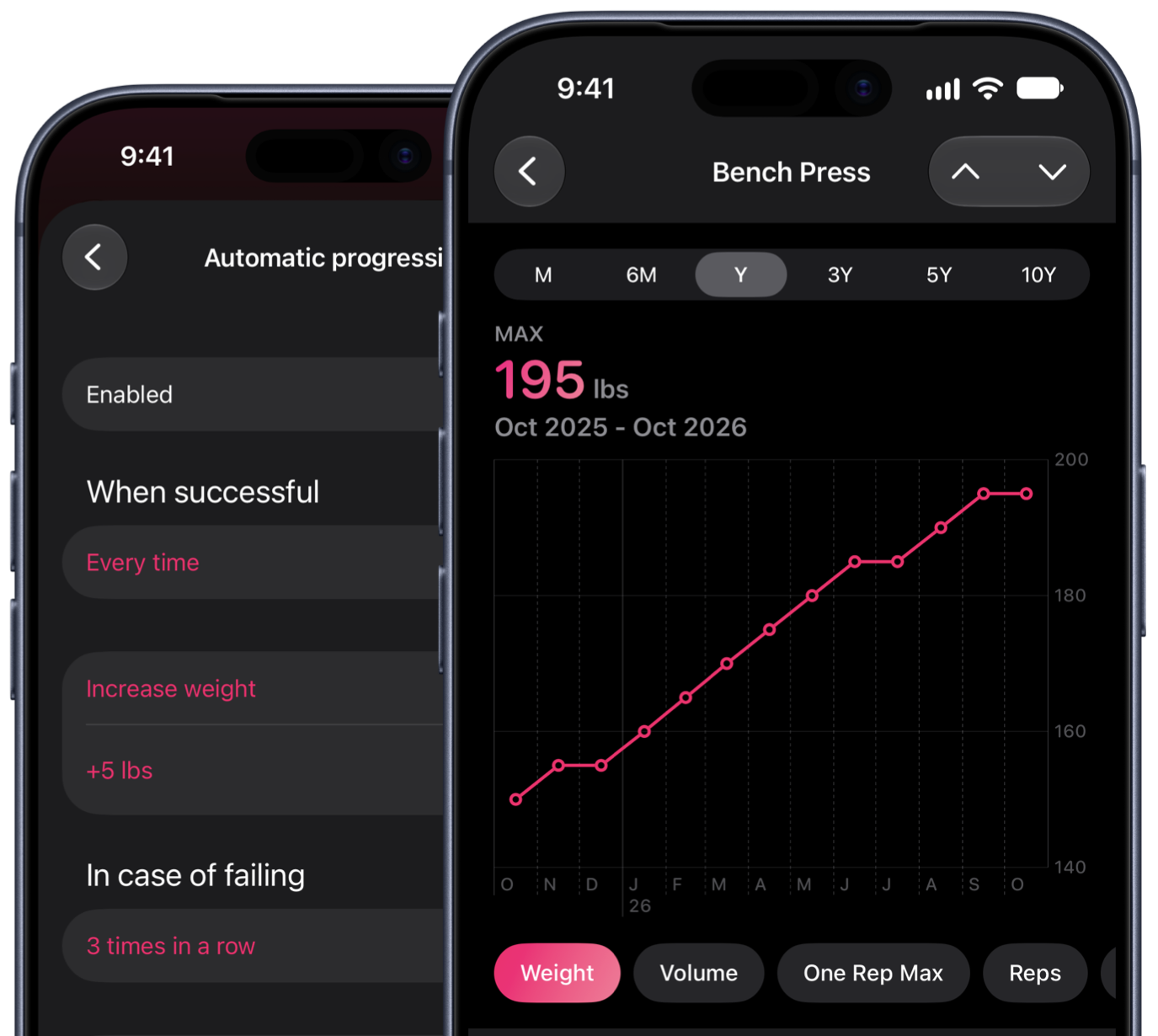
Automatic progression rules next to a year of bench press progress
Download PNG: liftin-automatic-progression.png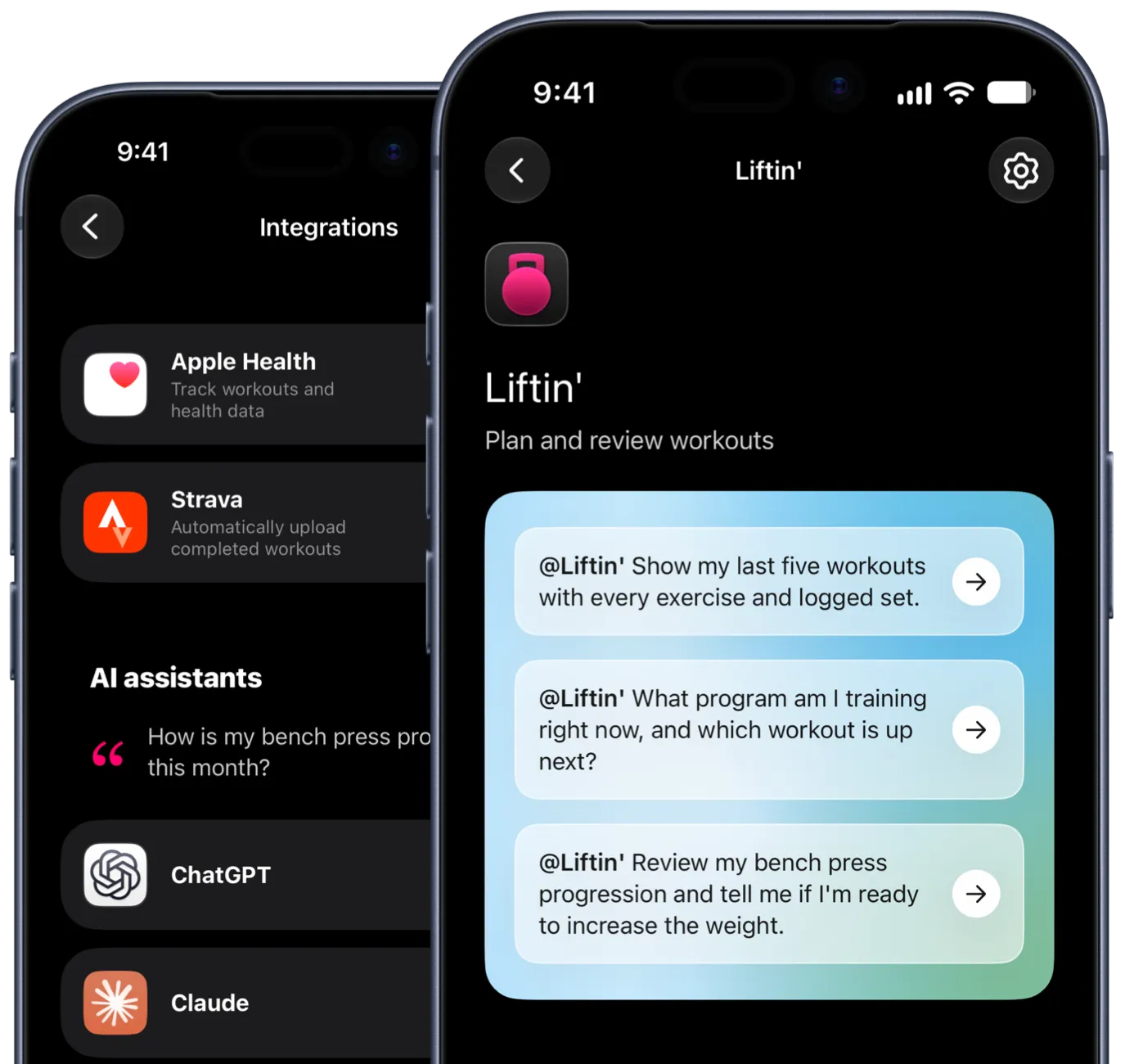
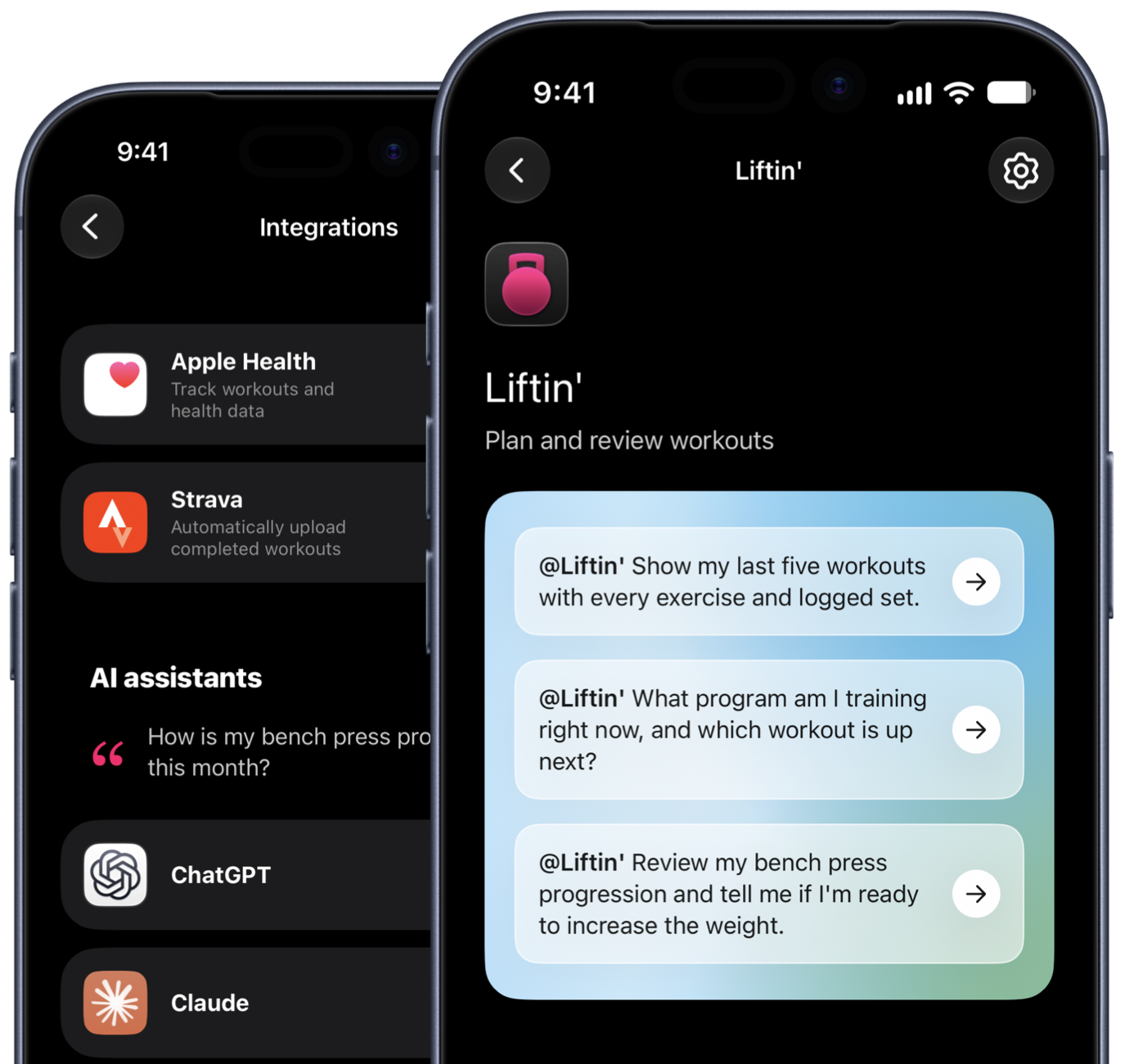
The Liftin’ app in ChatGPT with suggested prompts, and the app’s Integrations screen
Download PNG: liftin-chatgpt-claude.png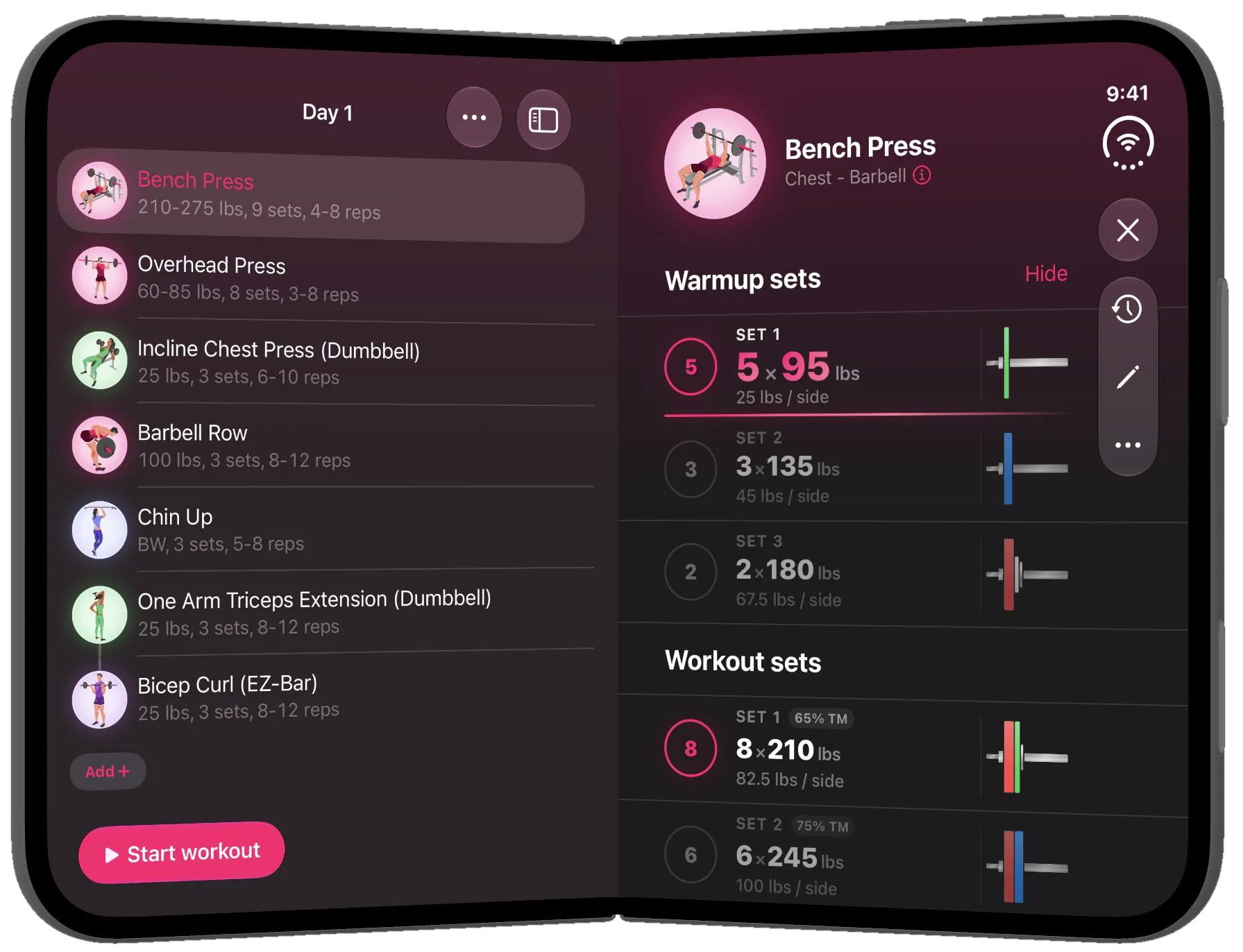
Liftin’ on a half-folded iPhone Duo
Download PNG: liftin-iphone-duo-half-fold.pngRenders of Liftin’ 54 on iPhone Duo, 2800×1900, dark appearance.
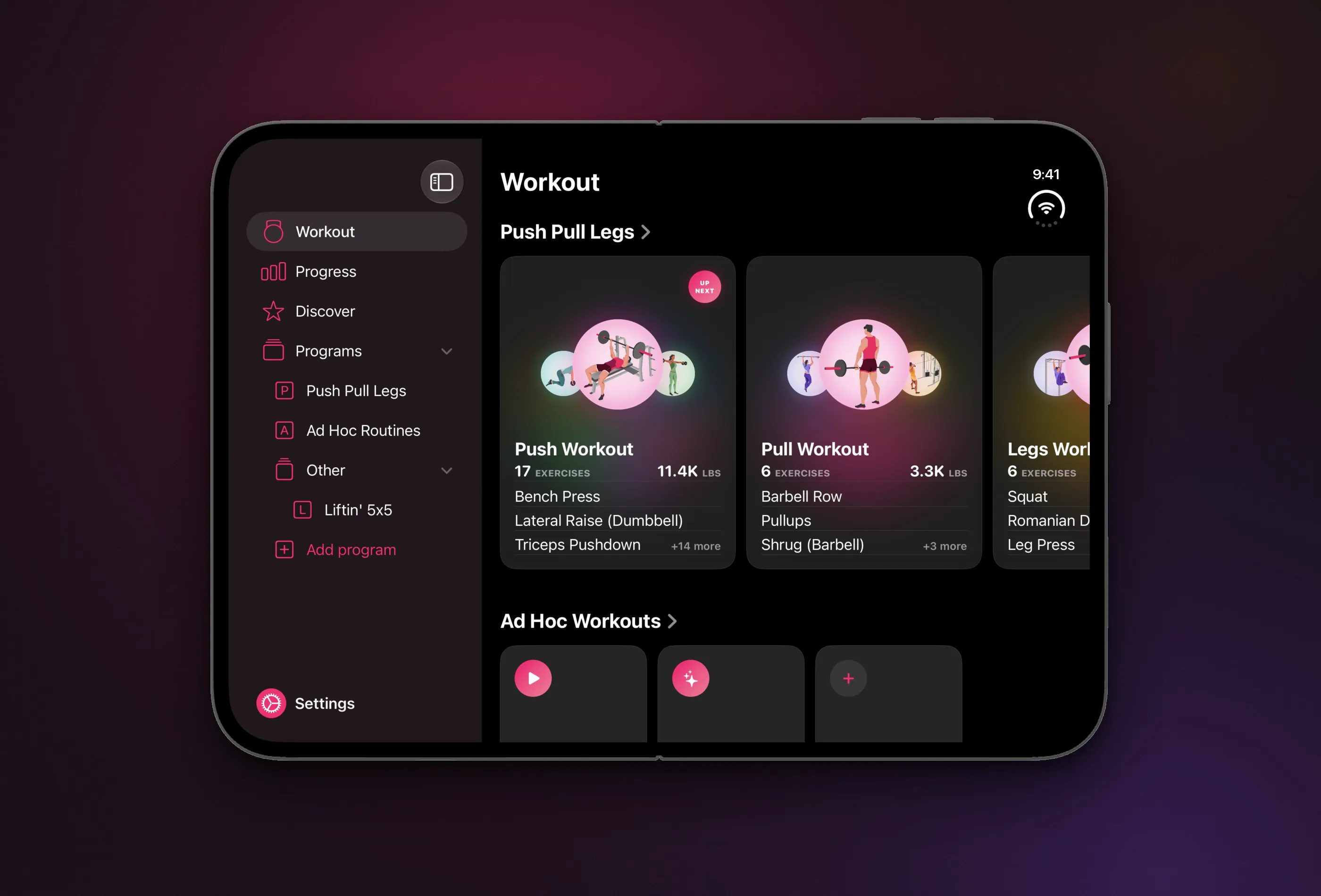
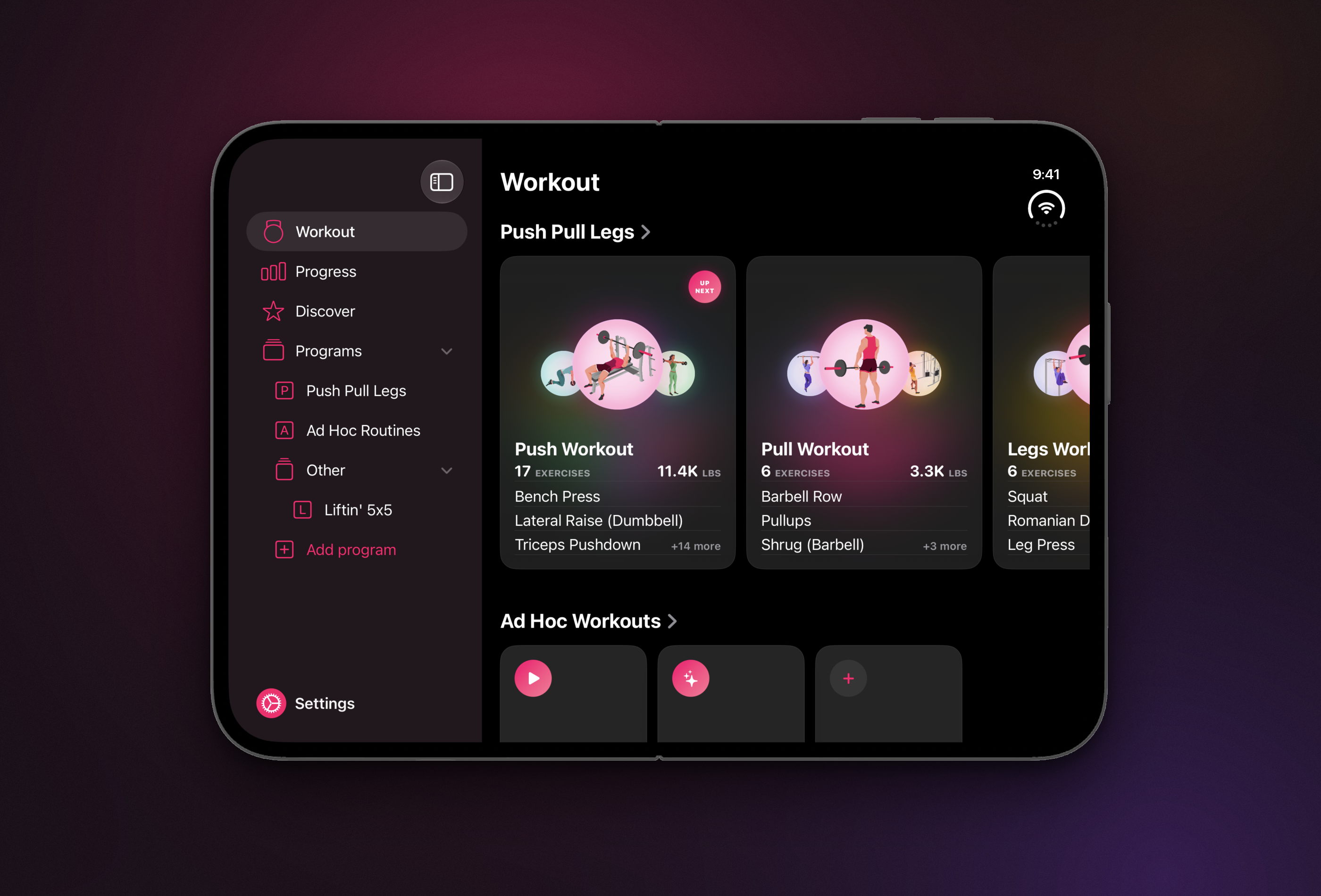
Workout tab on an open iPhone Duo with the sidebar
Download PNG: liftin-iphone-duo-sidebar.png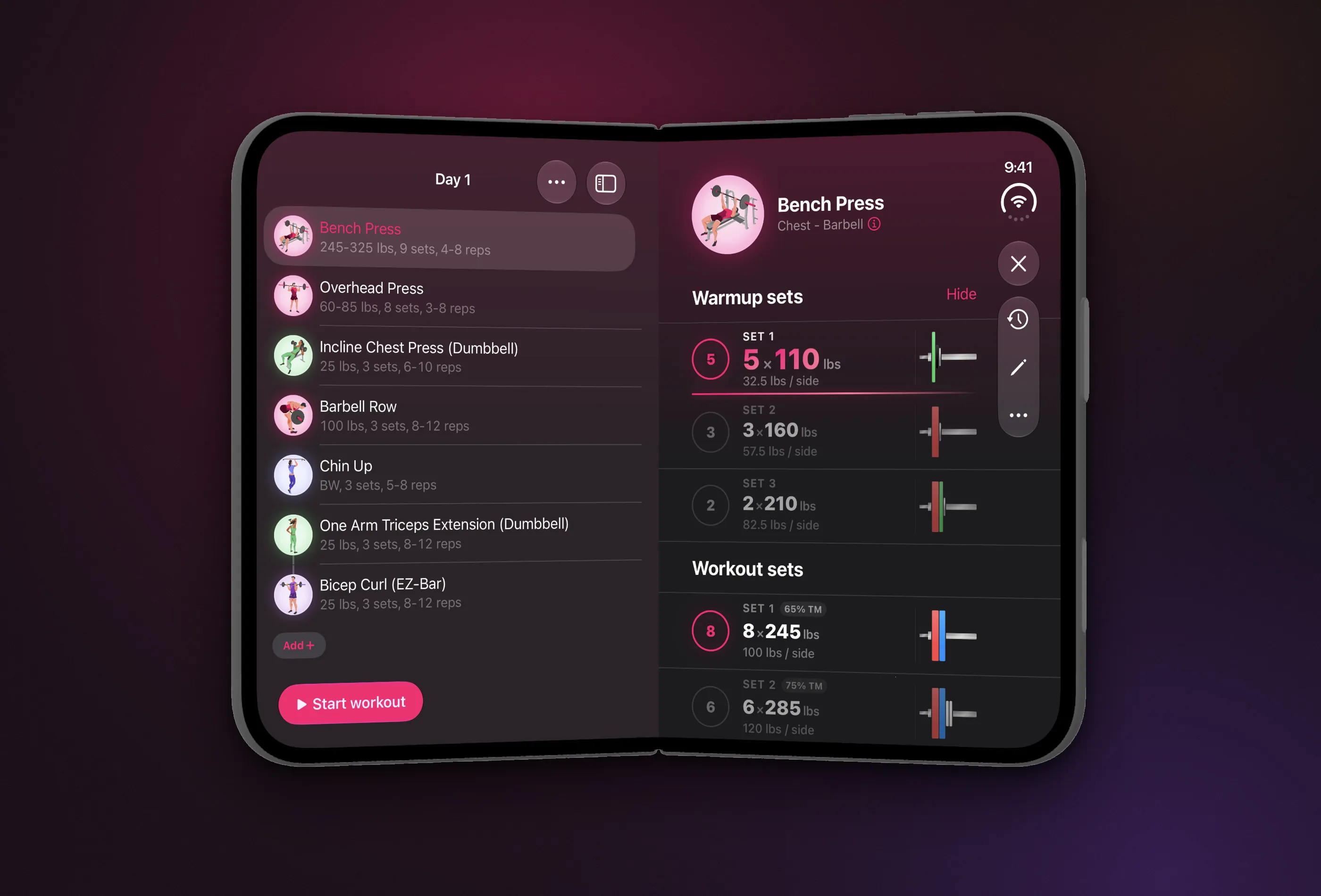
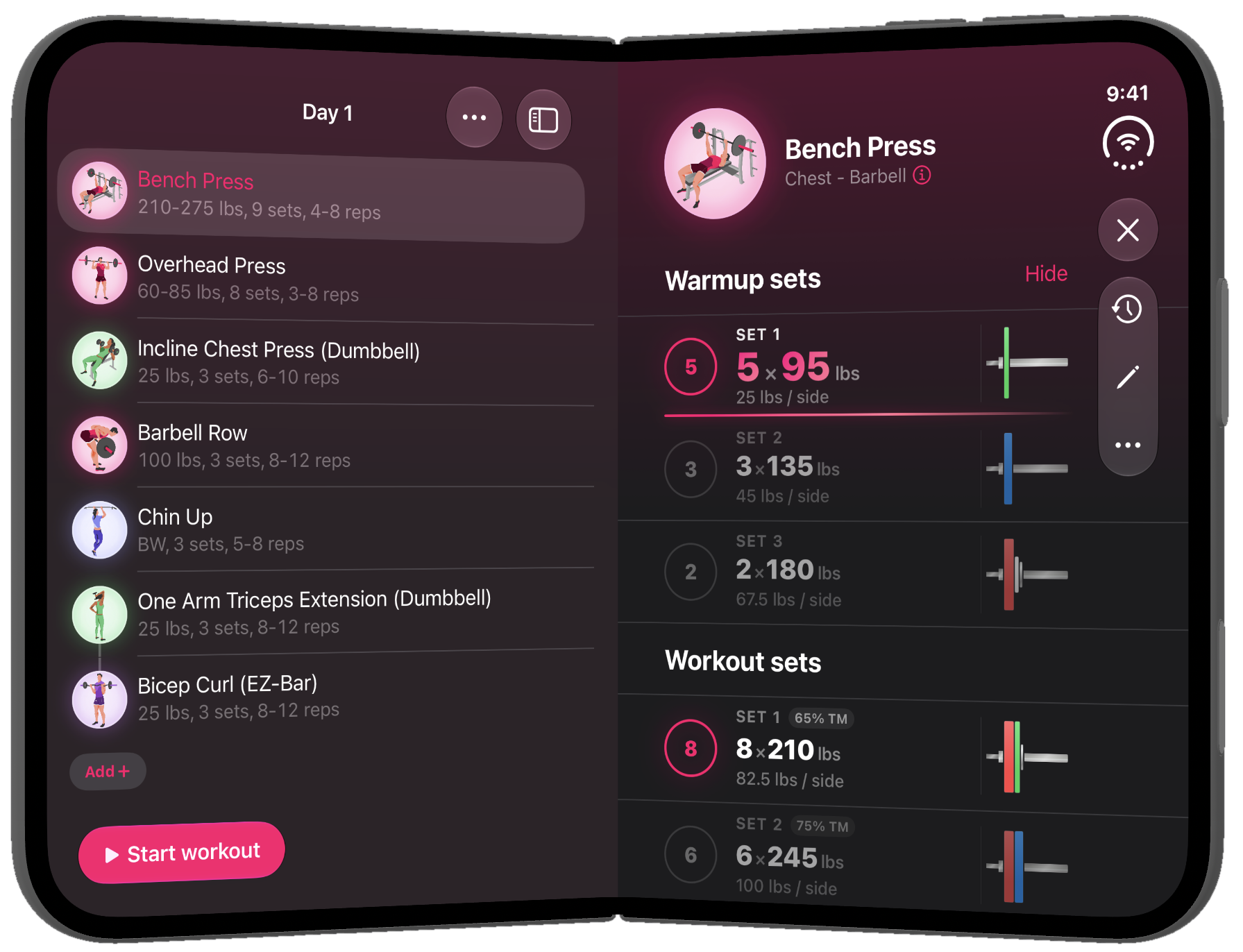
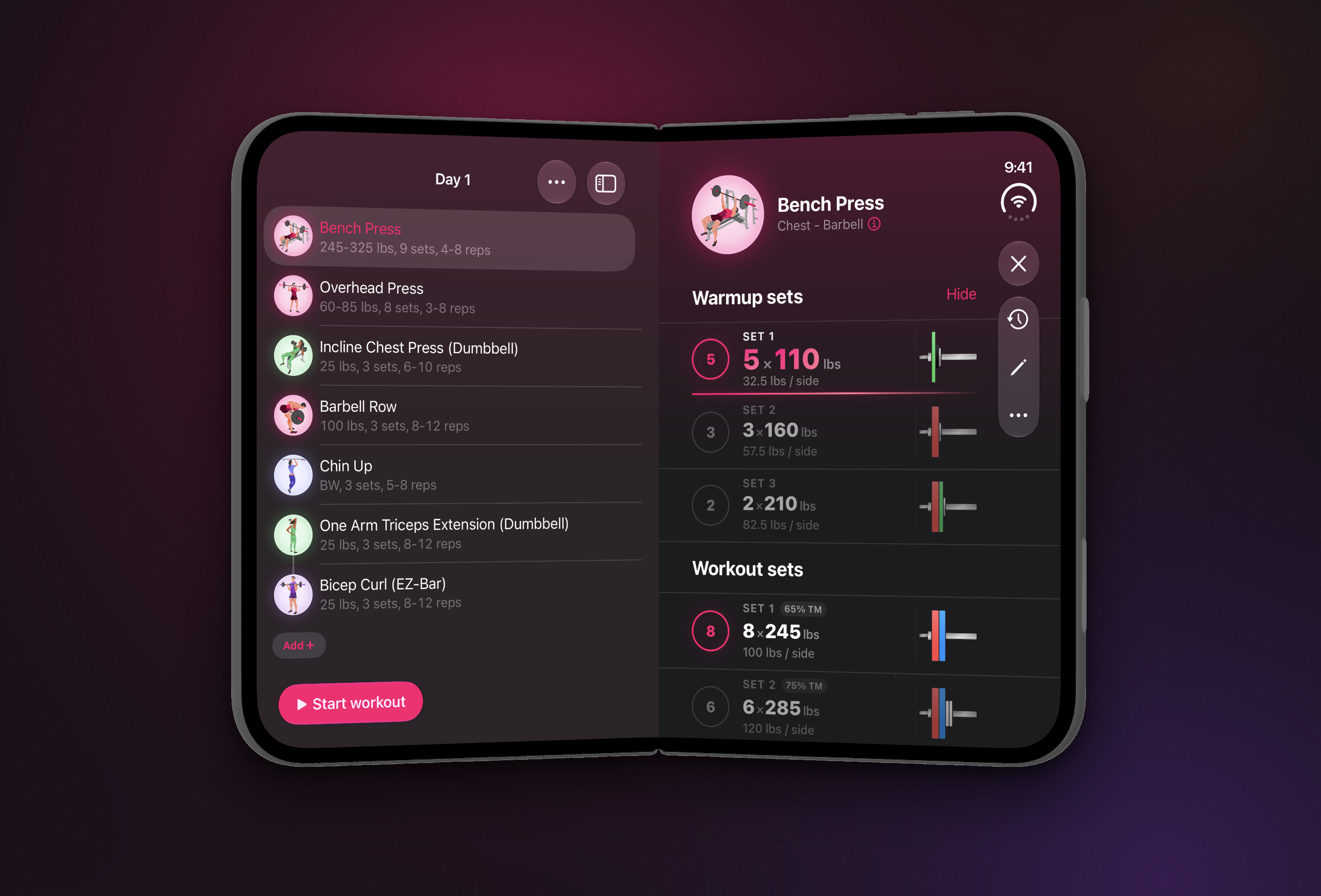
A live workout on an open iPhone Duo: exercise list left, sets right
Download PNG: liftin-iphone-duo-split-workout.png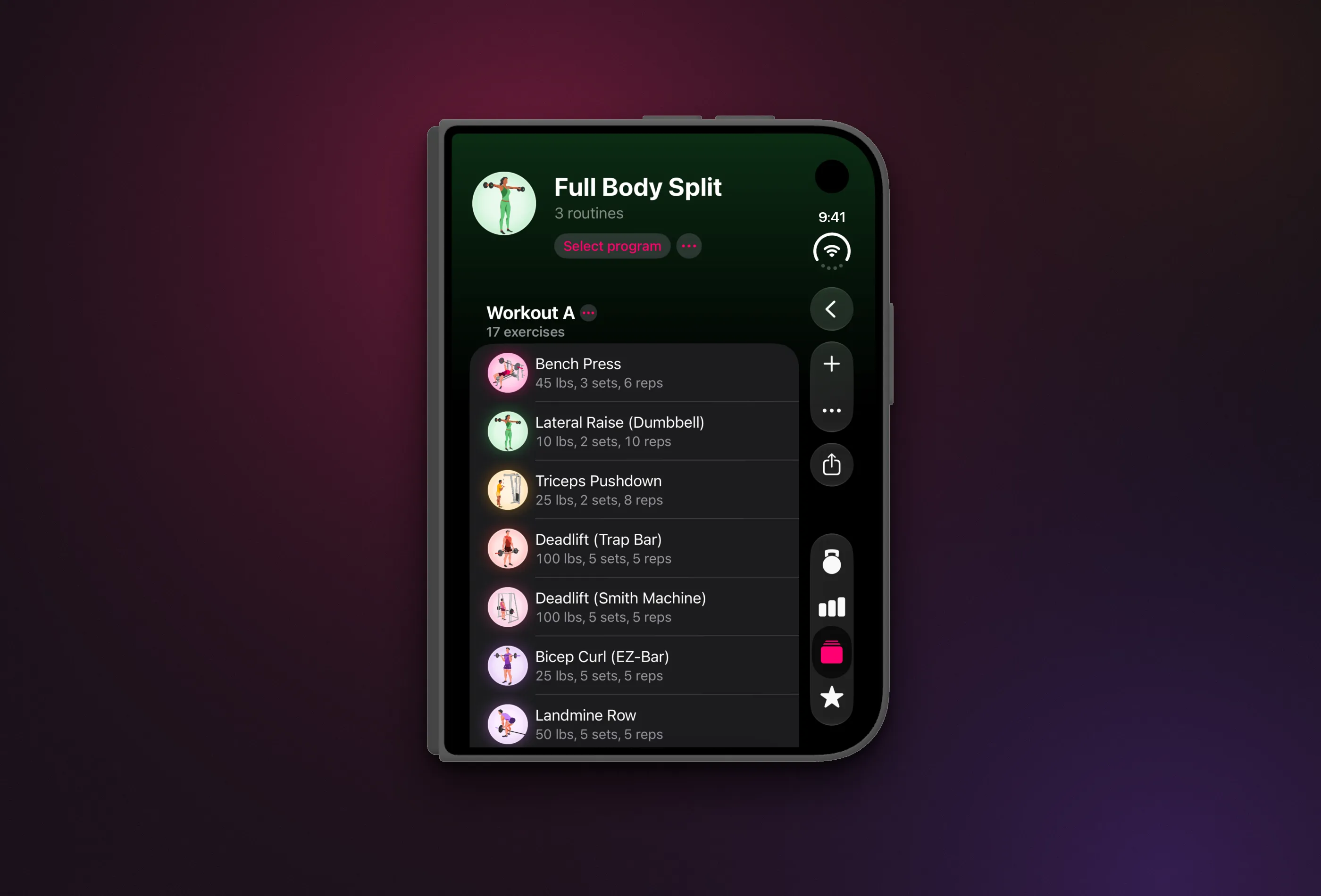
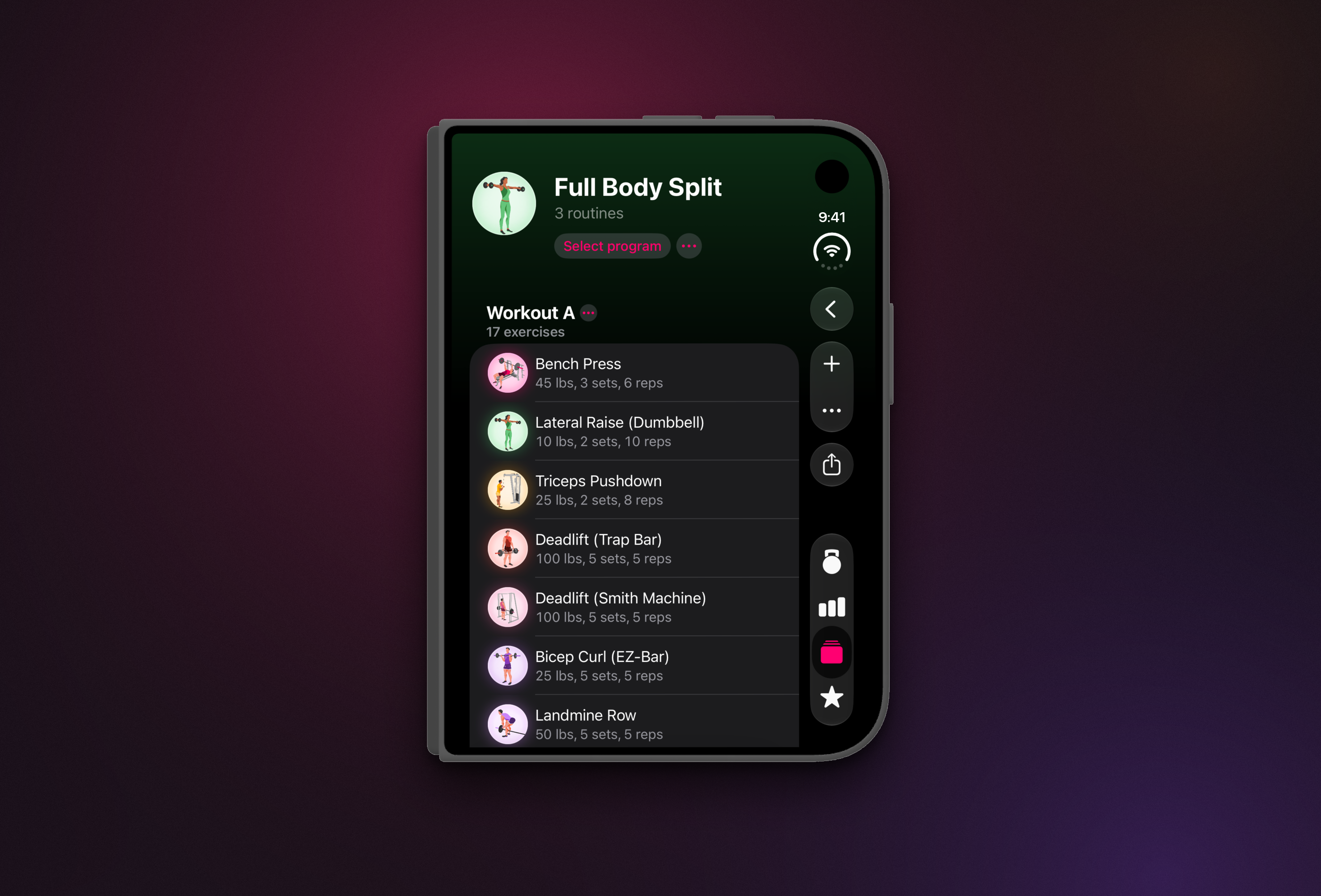
A program on a folded iPhone Duo with the controls in the vertical side bar
Download PNG: liftin-iphone-duo-folded.png
App icon, 1024×1024, transparent outside the rounded corners
Download PNG: liftin-app-icon-1024.png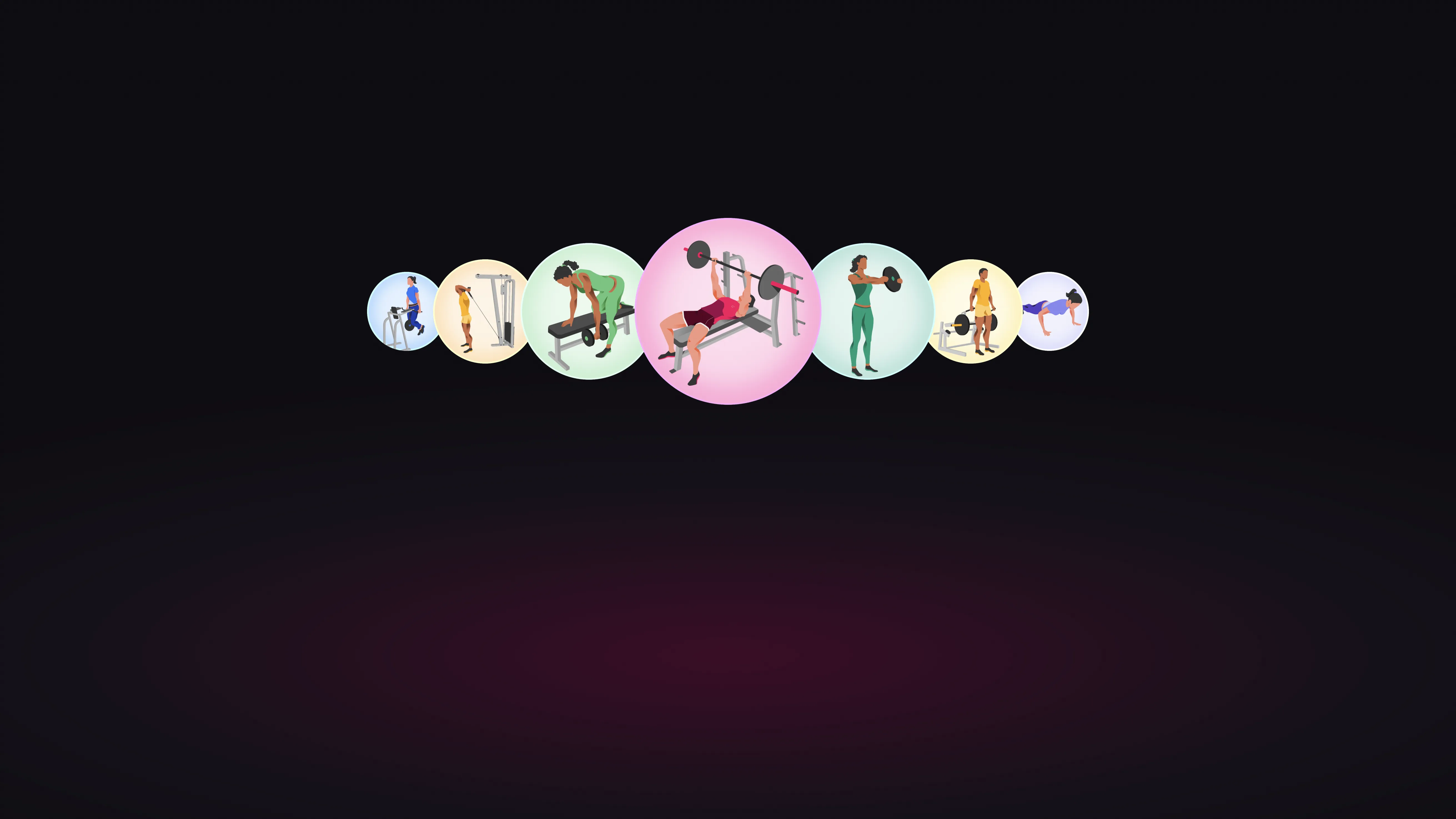
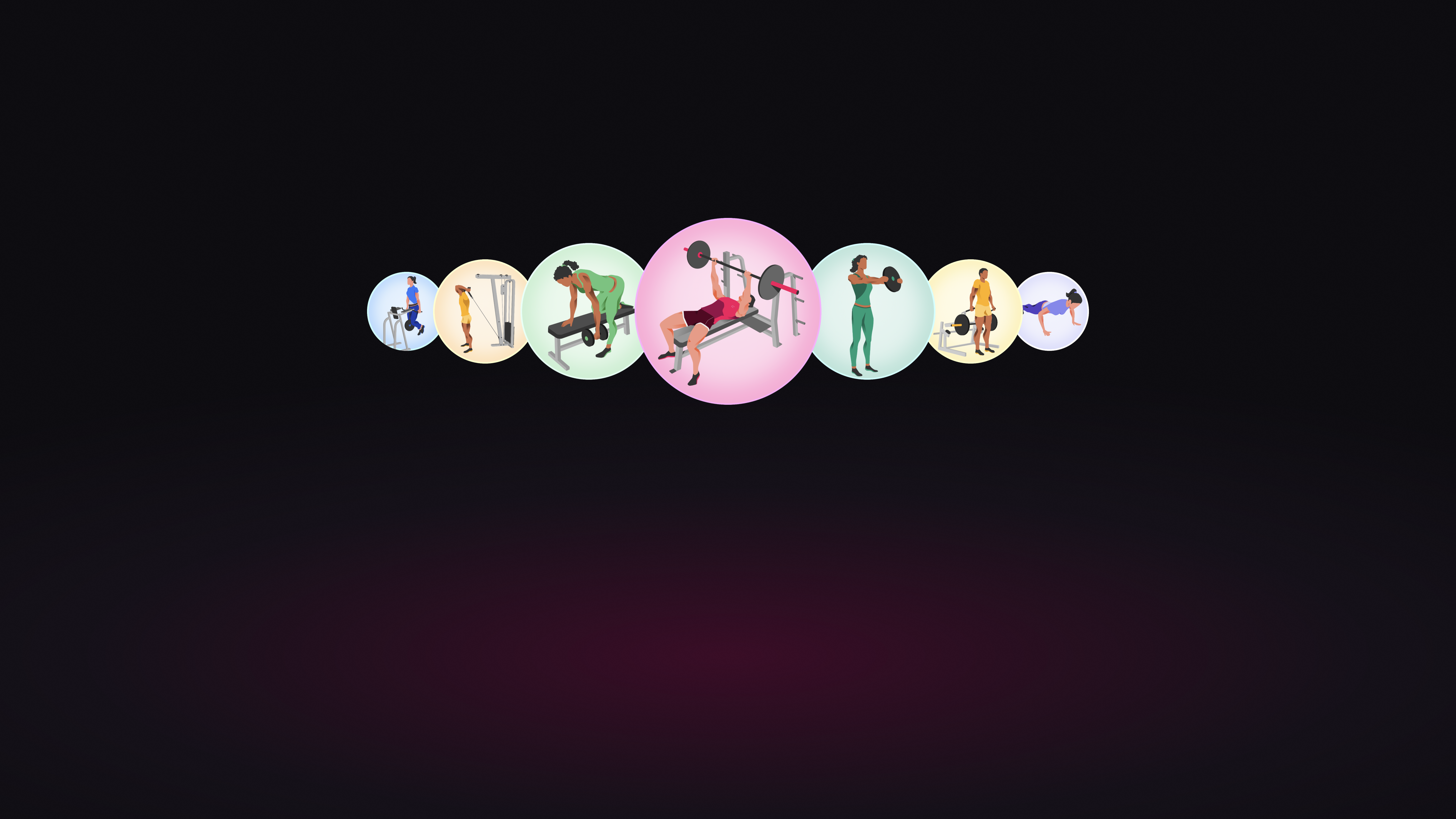
Key art: seven exercise illustrations on the Liftin’ gradient, 5244×2950
Download PNG: liftin-key-art.pngName and icon
Liftin’ is designed, built and supported by Valter Hemmi, its founder. Interviews, review codes, TestFlight access and a founder photo are available on request at press@liftinapp.co.
These materials may be used in editorial coverage of Liftin’. Please do not alter the app icon or the content of the screens. Apple, iPhone, iPad, Mac and Apple Watch are trademarks of Apple Inc.
Download the whole kit (zip, 19 MB): every image above and a README with the file list.